Upload original photo
Choose a clear, front-facing photo.
No original photo
Not uploaded yetCreate it step by step, preview every change and download a secure A4 PDF when it is ready.
Your work autosaves in this browser while you build. S2S creates a secure server order only when you reach payment; unpaid previews stay watermarked.
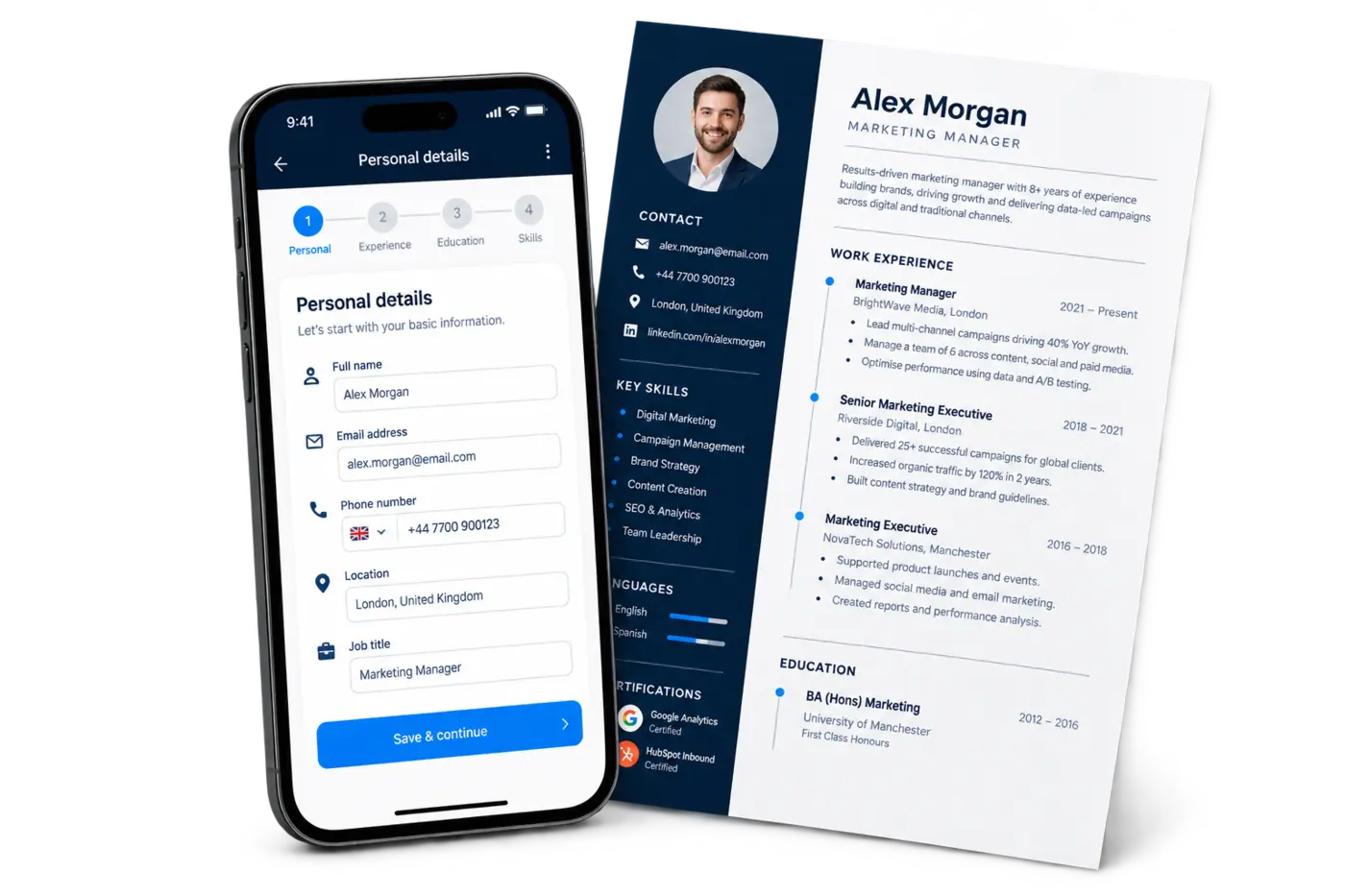
These details appear at the top of your CV.
Three simple steps. Your original photo stays private and is never replaced by the generated version.
Choose a clear, front-facing photo.
Copy the prompt and open Gemini. No AI API cost is used by S2S.
Open Gemini ↗Upload the professional photo returned by Gemini.
Add a short profile or objective if useful. You can continue without either.
Add jobs, internships or relevant experience.
Add degrees, diplomas, school qualifications or training.
Add your strongest relevant skills first.
Add any optional section that does not fit elsewhere.
Improve writing in Gemini, detect the returned fields, compare old vs improved content, then apply only the changes you approve.
The prompt preserves factual details and asks Gemini to improve only safe writing fields.
Open Gemini ↗JSON, fenced JSON, or clearly labelled text is accepted.
This is a local quality guide, not a guarantee of employer ATS results.
Checking A4 length…
Choose a template, typography and spacing while watching the live A4 preview.
Check the final A4 preview, ATS readiness and any optional sections before payment.
Complete payment, keep your private resume link and download the approved A4 CV.
Your CV remains saved. Upload your payment slip and S2S will unlock the A4 PDF after confirmation.
Tell the shop/admin your order code. They can mark cash received and unlock your download immediately.